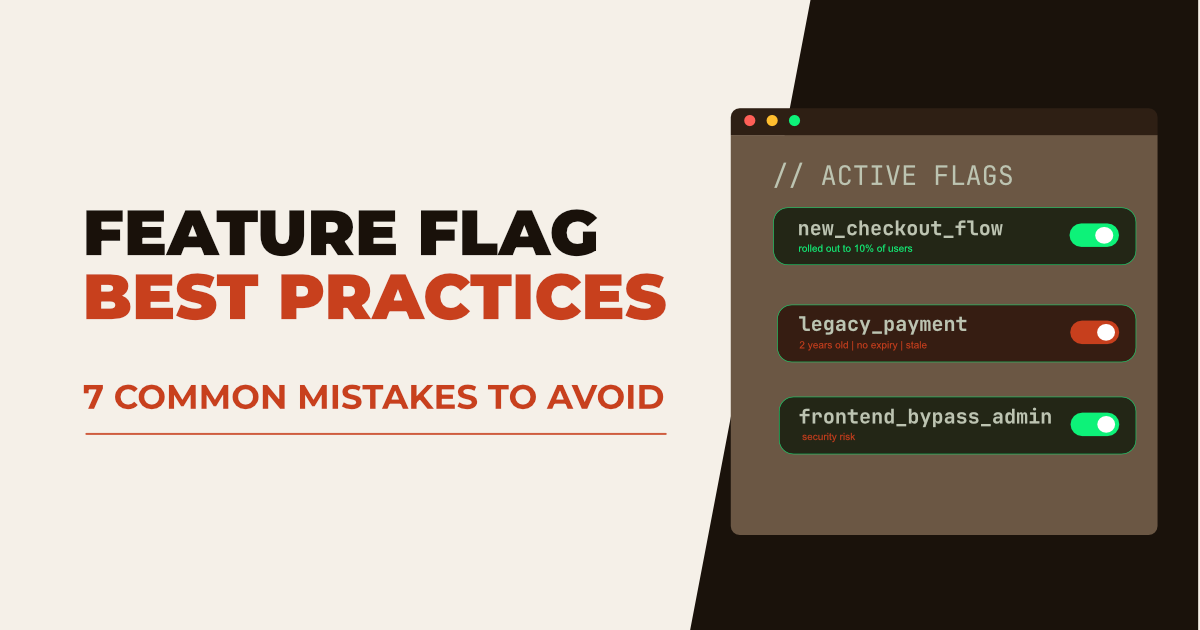
Feature Flag Best Practices: 7 Common Mistakes to Avoid


Feature flags (also called feature toggles) let development teams release features safely without redeploying code. They power gradual rollouts, A/B testing, and fast rollbacks when things go wrong.
But as systems grow, feature flags often become a source of hidden complexity. Flags pile up, naming breaks down, and unclear ownership leads to risky changes in production. What starts as a simple toggle system can quickly turn into long-term technical debt.
This guide walks through seven common feature flag mistakes and the best practices to avoid them, so your system stays clean, predictable, and safe to work with.
Why Feature Flag Best Practices Matter
Feature flags separate deployment from release. This means teams can ship code to production while keeping new functionality hidden until the right moment. Product managers, developers, and operations teams can decide when a feature becomes visible to users.
This approach supports several modern development practices:
- Gradual rollouts: expose a feature to 5% of users, then 25%, then 100%
- Canary releases: test changes on a small cohort before full release
- Kill switches: instantly disable a broken feature without a hotfix
- A/B testing: compare feature variants across user segments
- Trunk-based development: ship incomplete features safely behind a flag
But when feature flags are used without clear rules, problems start to appear:
- unused flags clutter the codebase
- unclear ownership of flags
- confusing naming conventions
- security risks in frontend implementations
A few consistent practices keep feature flag systems clean, predictable, and easy to maintain.
1. Leaving Old or Stale Feature Flags in the Codebase
A feature is released. Everything works. The flag stays. This is one of the most common patterns teams run into.
Over time, these unused flags pile up and create what many engineers refer to as flag debt or zombie flags. A developer reading the code cannot easily tell whether a flag still has a purpose.
Stale flags cause real problems:
- Code becomes harder to read and reason about
- Conditional branches remain in production for features that are 100% rolled out
- Accidental changes to an old flag value can affect live behavior in unexpected ways
- In mobile apps, a flag may still be evaluated by users on older versions who haven't updated
What works in practice
Teams that keep feature flags under control usually treat cleanup as a recurring task, not a one-time effort.
One approach that works well is scheduling regular cleanup sessions. For example, some teams run a quarterly "cleanup day", where removing unused flags is a standing agenda item. This aligns well with release cycles, especially in environments where updates take time to reach all users.
Another pattern is to introduce limits. Some teams define a feature flag budget per team. If the number of active flags exceeds that limit, the build or deployment pipeline fails. This forces teams to review and remove unused flags before adding new ones.
There are also teams that categorize flags from the start:
- short-term flags used during rollout
- medium or long-term flags used for gradual control
- permanent flags used as kill switches
In this model, removing short-term flags becomes part of the release process. When a feature is fully rolled out, a cleanup task is created alongside the original implementation work.
A common challenge
One difficulty that often comes up is knowing when it is safe to remove a flag. Even if a feature has been released, older versions of an application may still be in use. This is especially common in mobile apps, where users do not always update immediately.
In these cases, a flag may still be evaluated by older versions in the wild, even if it appears unused in the current codebase.
Tools like ConfigCat's Zombie Feature Flags Report can highlight flags that haven't changed recently, but teams often need additional signals (such as whether a flag is still being evaluated) before removing with confidence.
2. Reusing Feature Flags Instead of Creating New Ones
Reusing a feature flag may feel efficient. In reality, it creates hidden complexity. A flag designed for one feature gets repurposed for another. Its name no longer reflects its behavior, and debugging becomes harder.
In extreme cases, this can lead to serious issues. There are well-known incidents where old flag logic was unintentionally reused, causing unexpected system behavior.
What works in practice
Teams that avoid this follow a strict rule: a flag is tied to one purpose only. If the purpose changes, a new flag is created.
Naming conventions play an important role here. A clear, descriptive name makes it easier to understand what a flag does without digging into the code.
A good feature flag name should reflect:
- a feature area
- the functionality being controlled
- optionally, the team responsible
Check out our Quick Guide to Feature Flag Naming Conventions article to learn more.
Pattern: {team}_{area}_{behavior}:
payments_checkout_newPaymentFlowsearch_results_rankingAlgorithmV2onboarding_signup_emailVerificationRequired
Avoid vague names:
newFeature// What feature?betaEnabled// Beta of what?enableV2// V2 of which thing?
Note: Avoid prefixing flags with enable or disable; it's redundant since all flags enable or disable something, and it adds noise without meaning.
Common naming styles include camelCase, PascalCase, lower_case, UPPER_CASE, and kebab-case. The specific format matters less than consistency. A predictable structure makes flags understandable across the entire team.
3. Using Feature Flags Without Backend Protection
Feature flags are often used to control interface elements such as buttons, menu items, or entire pages. However, relying solely on frontend feature flags can introduce security and reliability risks. Because frontend flags are delivered to the browser when the application loads, their values can be inspected, modified, or bypassed entirely. A user does not need to see a button to call the API endpoint behind it.
Example Scenario
A new Export Data button is hidden behind a feature flag. The button doesn't render, but the /api/data/export endpoint has no flag check on the server. Anyone who knows the endpoint exists (or who previously had access and bookmarked it) can call it directly.
Best Practice
Use two layers of protection:
- Frontend flag: controls whether the UI element appears
- Backend flag: controls access to the underlying logic
With this approach, even if the interface becomes visible prematurely, the backend still prevents unintended access. Whenever possible, evaluating feature flags on the server side offers stronger protection.
Learn the difference between Frontend Feature Flags vs Backend Feature Flags.
4. Not Planning Feature Rollouts Properly
Feature flags make gradual rollouts possible, but they do not replace release planning. A feature can still be enabled for all users at once, which removes the main advantage of using feature flags.
Without a staged rollout, you lose the ability to catch issues early. A bug that only appears under real production load hits all your users at once, not 5% of them.
What works in practice
Define rollout stages before you flip the first switch. A typical staged rollout:
| Stage | Audience | Duration | What to watch |
|---|---|---|---|
| Internal | Employees only | 1–2 days | Basic functionality, crashes |
| Canary | 1–5% of users | 3–5 days | Error rates, performance, conversion |
| Partial | 10–25% of users | 3–7 days | User behavior, support tickets |
| Full | 100% | — | Monitor for regressions |
Monitoring without baselines is guesswork. Before enabling a flag for any users, establish what normal looks like: error rates, p95/p99 latency, and key conversion metrics. Then watch for deviations at each stage.
At each stage, observe:
- Error rates: compared to the control groups
- Performance: latency and throughput changes
- User behavior: conversion, engagement, support volume
Define explicit thresholds for rollback before you start. "If error rate increases by more than 0.5% compared to the control group, roll back" is a decision you can make calmly in advance. It's much harder to make a clear decision in the middle of an incident.
5. Storing Sensitive Data in Feature Flags
Feature flags should not contain sensitive data such as connection strings, API keys, or credentials.
The reason is simple: feature flags are not secrets managers. A frontend flag is delivered to the browser at page load and is readable by anyone with DevTools open. But even backend flag configurations lack the access controls, audit logging, and rotation mechanisms that credentials require.
How to fix it
Use dedicated secrets management infrastructure for anything sensitive:
| Sensitive data type | Use instead |
|---|---|
| API keys | AWS Secrets Manager, HashiCorp Vault, Azure Key Vault |
| Database credentials | Same as above, or environment variables in CI/CD |
| OAuth client secrets | Secrets manager, never source control or flags |
| Encryption keys | KMS (AWS, GCP, Azure) |
6. Overloading Feature Flags with Complex Logic
Feature flags should control a single, well-defined behavior. When a single flag controls multiple features or contains complex logic, it quickly becomes difficult to understand, test, and maintain.
What works in practice
Teams that avoid this keep flags focused and predictable. What starts as a simple toggle can easily turn into a mini decision engine embedded in your code.
This often happens when teams try to reduce the number of flags by grouping too much behind one. Instead of simplifying things, it creates hidden complexity.
What this looks like in practice
You might see flags that:
- control multiple unrelated behaviors
- include nested conditions (user segment + region + plan + environment)
- store structured data like JSON instead of a simple value
- act differently depending on the context that is not immediately obvious
At that point, understanding what the flag actually does requires reading multiple parts of the codebase.
A common side effect
Overloaded flags often lead to unexpected interactions. A small change in targeting or rollout rules can affect multiple parts of the system at once. This makes debugging harder and increases the risk of unintended behavior in production.
Keeping flags small and focused reduces the risk significantly.
7. Not Having a Flag Ownership Model
Most articles on feature flags focus on the flags themselves. This one is about the system around them, and it's where many teams quietly fail.
As teams and flag counts grow, questions that were easy to answer in a small codebase become difficult: Who created this flag? Is it still needed? Who can change it? What happens if it's toggled in production right now?
Without explicit ownership, flags become a shared global state that nobody feels fully responsible for.
What this looks like in practice
- A flag exists, but nobody knows if it's safe to delete
- A flag is changed in production by one team, breaking behavior owned by another
- Flags are created without documentation, and six months later, the original context is gone
- An audit question like "who changed this flag and when?" has no clear answer
What works in practice
- Assign ownership explicitly: every flag should have a named owner (a team, a squad, or a specific person) and that ownership should be visible in the flag management tool, not just in a document somewhere
- Document at creation time, not after: a flag's description should include: what it does, why it exists, when it can be deleted, and what the safe default value is if the flag evaluation fails. This takes two minutes to write when the context is fresh and hours to reconstruct later
- Require an audit log: for production systems, every flag change should be traceable: who made the change, from what value to what value, and when. This is essential for incident response
- Include flags in incident reviews: when a production incident involves a flag change, review whether the ownership and change process worked as intended. Flags that caused the incidents are often flags that lacked clear ownership
When to Bring in a Feature Flag Management Tool
As the number of flags grows, managing them manually (in config files, environment variables, or a homegrown database table) becomes a significant operational burden. A dedicated tool provides the infrastructure that makes the practices above sustainable at scale.
What to look for when evaluating a tool:
- Audit log: who changed what flag, when, and to what value
- Targeting and segmentation: roll out to specific users, regions, or cohorts
- SDK support: server-side SDKs are essential for backend enforcement
- Lifecycle management: surfaces stale or unused flags before they become technical debt
Without tooling, most of the practices in this article require manual discipline that doesn't scale. Tooling makes the discipline structural.
ConfigCat is one option worth evaluating, particularly for teams that want straightforward flag management without significant infrastructure overhead. It provides SDK support across major languages, a clean targeting interface, a Zombie Flags Report for stale flag detections, and full audit logging.
To Sum It Up
Feature flags make it easier to release features gradually, test changes in production, and respond quickly when something goes wrong. At the same time, they introduce a layer that needs to be maintained.
Most issues with feature flags come from how they are used. Flags remain in the system longer than intended, get reused without a clear meaning, or are introduced without a plan for how they will be removed.
With the best practices covered, managing feature flags doesn't have to be a headache. Keep them short-lived, keep them named clearly, keep sensitive data out of them, and clean them up when the job is done.
If you want to learn more about feature flags or stay up to date with all the latest news, follow ConfigCat on X, Facebook, LinkedIn, and GitHub to learn more.